
GIF Maker from Video — Free In-Browser Converter
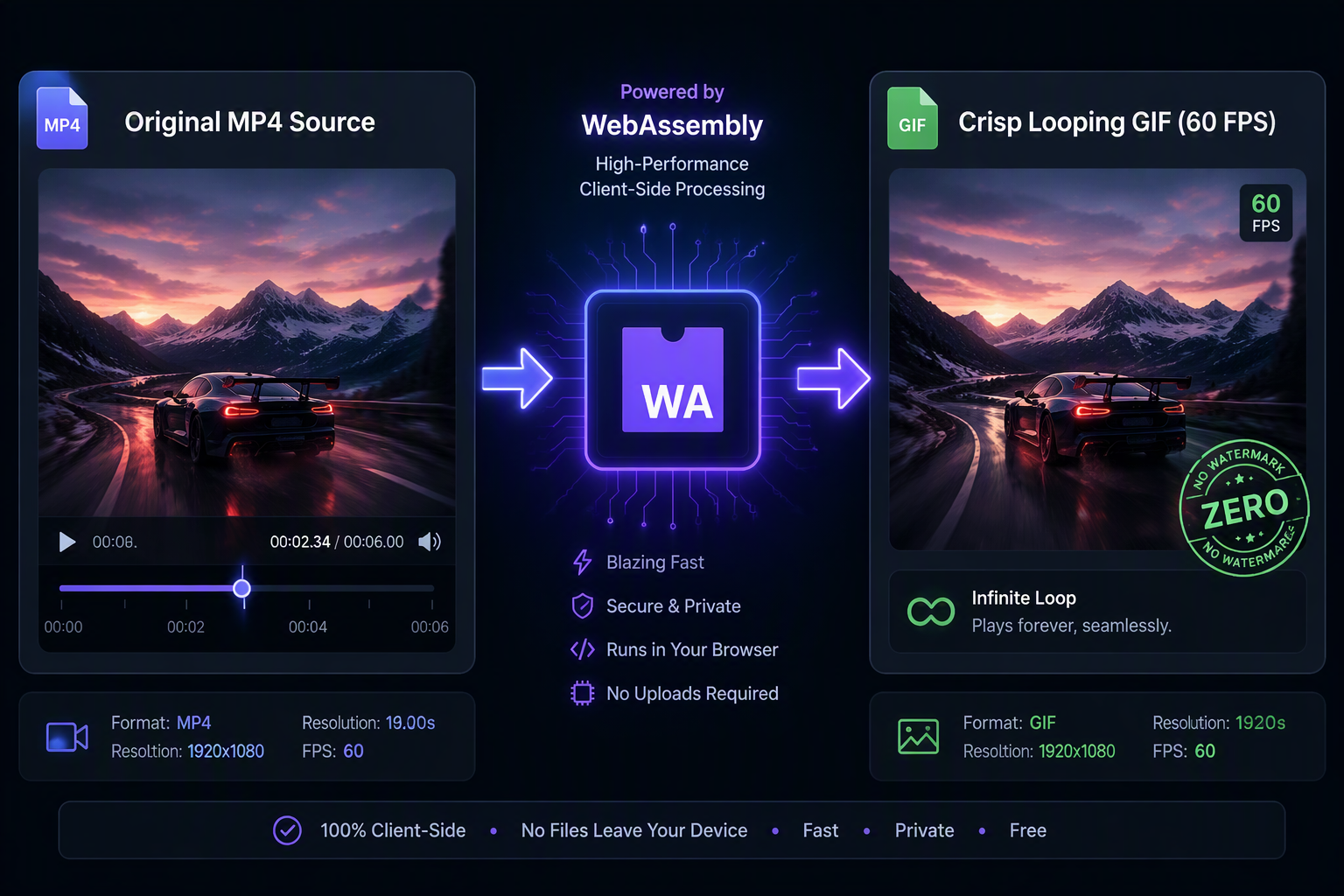
Converting video clips into clean, looping GIFs requires balancing frame timing with precise color quantization. Our browser-based GIF maker from video decodes MP4, MOV, and WebM containers directly on your GPU without transferring gigabytes across the internet. You can trim start and end timestamps down to the millisecond, select smooth frame rates from 8 to 24 FPS, and compress the color table so your animation loops cleanly everywhere.
Drag & drop MP4, WebM, MOV, or photos here. 100% processed in your browser.
GPU Frame Extraction & FPS-to-Size Calibration
Video files store motion as compressed temporal differences (I-frames and P-frames). Our client-side pipeline decodes your MP4, MOV, or WebM container through browser-native GPU decoders to reconstruct absolute RGB pixel matrices for every single timestamp, allowing exact millisecond frame trimming without keyframe drift or ghosting artifacts.
| Target FPS | Typical 3s Size | Typical 6s Size | Motion Fidelity | Recommended Platform |
|---|---|---|---|---|
| 8 FPS | 0.6 MB – 1.1 MB | 1.2 MB – 2.2 MB | Compact / Diagrammatic | Slack Reactions, Email Newsletters |
| 12 FPS | 1.0 MB – 1.8 MB | 2.0 MB – 3.8 MB | Standard Smoothness | Blog Embeds, Technical Documentation |
| 16 FPS | 1.4 MB – 2.5 MB | 2.9 MB – 5.2 MB | High Fluidity | Discord Nitro, Social Media Posts |
| 24 FPS | 2.2 MB – 4.1 MB | 4.5 MB – 8.8 MB | Cinematic Film Rate | High-DPI Hero Sections, UI Demos |
Sub-Second Boundary Clamping
Most converters can only slice video files at keyframe intervals (often 1-2 seconds apart), causing unwanted lead-in frames. igifmaker seeks exact hardware timestamps, extracting only your designated slice.
NeuQuant Neural Palette Extraction
Our Web Worker extracts a customized 256-color palette adapted to your video scene, preventing dithering noise and color banding while keeping the compiled GIF binary featherlight.