Image to GIF Maker — Free In-Browser Tool
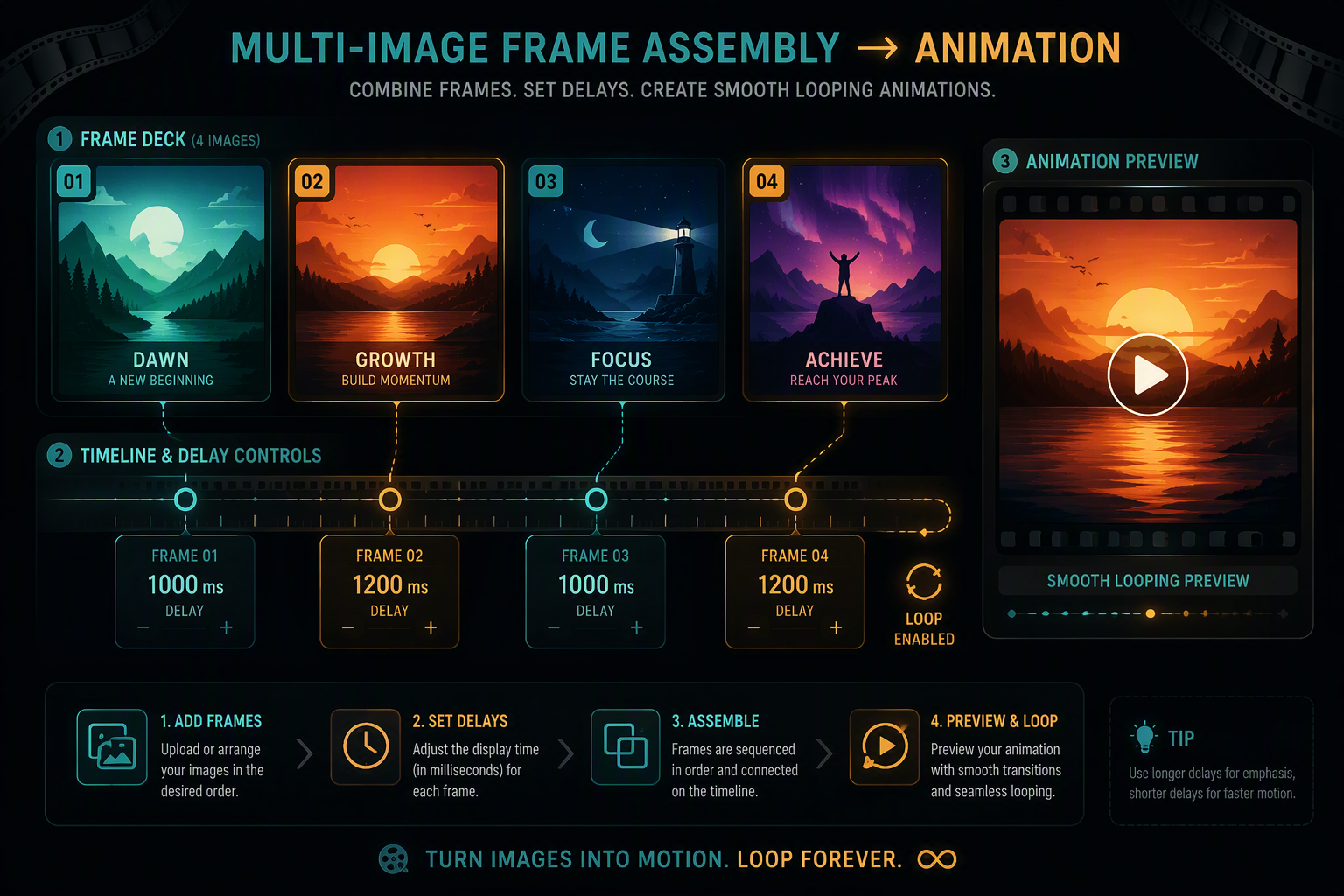
Combining still photographs into a fluid motion loop requires meticulous canvas alignment and frame-rate precision. igifmaker lets you upload a sequence of PNG, JPG, or WebP pictures to stitch them into a seamless animation entirely in your browser. Our engine standardizes mismatched dimensions, applies customized millisecond delays between individual frames, and builds an optimized color table so your resulting animation plays smoothly on social feeds without pixel artifacts or watermarks.
Select one or multiple PNG, JPG, or WebP images to stitch into an animation.
Canvas Geometry Normalization & Stop-Motion Presets
Unlike video files with uniform aspect ratios and constant frame rates, assembling animations from discrete photographs requires normalizing disparate image dimensions and calibrating custom delay schedules. Our engine automatically centers mismatched pictures onto a standardized virtual canvas, eliminating frame distortion and jitter.
| Animation Style | Frame Delay (ms) | Effective FPS | Recommended Frames | Visual Rhythm |
|---|---|---|---|---|
| Action Burst / Flipbook | 60ms – 90ms | 11 – 16 FPS | 12 – 30 photos | Brisk continuous motion |
| Stop-Motion & Claymation | 100ms – 150ms | 7 – 10 FPS | 15 – 45 photos | Artisanal frame-by-frame pacing |
| 360° Product Turnaround | 120ms – 200ms | 5 – 8 FPS | 24 – 36 photos | Even orbital rotation |
| Slideshow & Portfolio Reel | 600ms – 1200ms | 0.8 – 1.6 FPS | 5 – 15 photos | Deliberate presentation display |
Canvas Geometry Scaling
Photos with mixed resolutions (e.g. a 4032×3024 smartphone photo combined with a 1200×800 web graphic) are rescaled proportionally to fit your target canvas with clean letterbox or transparent padding.
Unified Global Palette Generation
Rather than calculating isolated color tables for every separate photo, our Web Worker analyzes colors across the entire image sequence into a unified 256-color palette to prevent flickering during frame transitions.