
GIF Speed Changer — Adjust Playback Pace Online
Controlling the cadence of an animated GIF requires altering the internal graphic control extension delay byte embedded within each constituent frame. Our browser-based GIF speed changer gives you fine-grained authority over playback rates. Accelerate lengthy screencasts up to 4x to save viewer time, or slow fast-moving reactions down to 0.5x for dramatic slow-motion emphasis. The engine recalculates tick delays without re-encoding unless frame rates exceed browser refresh boundaries.
Drag & drop MP4, WebM, MOV, or photos here. 100% processed in your browser.
Graphic Control Extension (GCE) Delay Mutation
Unlike modern video containers that encode linear timestamps, the GIF89a standard assigns a two-byte hundredths-of-a-second delay integer to each individual sub-frame Graphic Control Extension block. Our speed changer scales these delay headers directly, recalibrating pacing without touching pixel buffers or triggering lossy re-quantization.
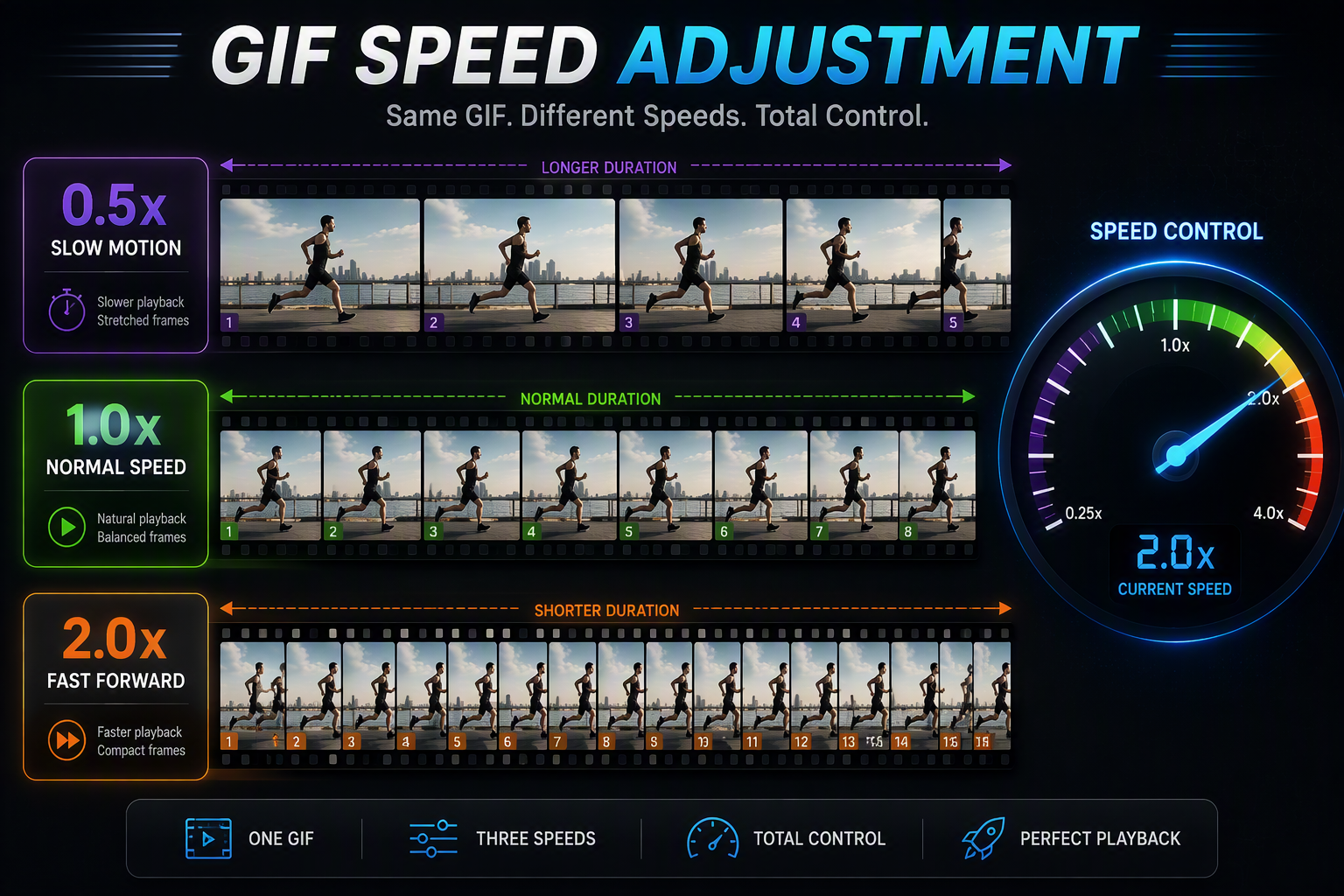
| Speed Multiplier | GCE Ticks (1/100s) | Delay per Frame | Effective Frame Rate | Playback Sensation |
|---|---|---|---|---|
| 0.5× Slow-Motion | 10 – 20 ticks | 100ms – 200ms | 5 – 10 FPS | Dramatic breakdown of fast action |
| 1.0× Original Pace | 5 – 8 ticks | 50ms – 80ms | 12.5 – 20 FPS | Natural real-time capture speed |
| 2.0× Double Speed | 3 – 4 ticks | 30ms – 40ms | 25 – 33.3 FPS | Fast software demo / tutorial sweep |
| 4.0× Rapid Blitz | 2 ticks (Clamp Floor) | 20ms | 50 FPS (Browser Limit) | Ultra-fast timelapse and transitions |
20ms Browser Clock Floor Clamp
Historic browser engines (WebKit, Gecko, Blink) treat delay markers below 20ms (0.02s) as corrupted, throttling playback down to a sluggish 100ms (10 FPS). igifmaker enforces a strict 20ms floor safeguard to guarantee smooth high-FPS rendering.
100% Lossless Header Rewriting
Because speed adjustments modify only the 2-byte GCE delay integer without re-quantizing color palettes or re-rendering canvas buffers, visual crispness and color fidelity remain completely untouched.