
Crop GIF Online — Free Animated Frame Trimmer
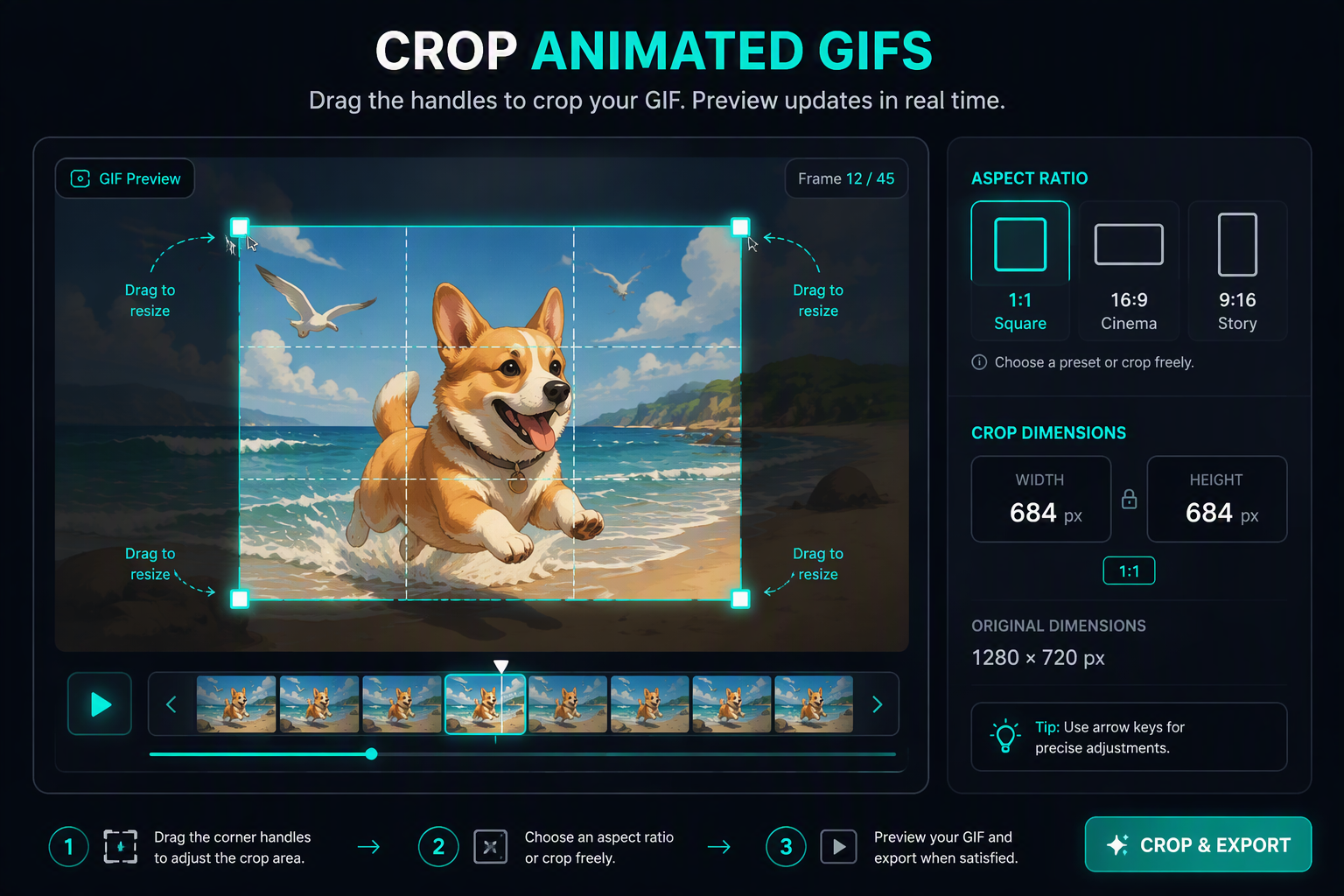
Cropping an animated GIF requires trimming identical spatial coordinates across every individual sub-frame without introducing jitter or misalignment. Our browser-based canvas editor applies your chosen bounding box across the entire animation buffer simultaneously. Select standard aspect ratios like square 1:1 for social avatars, cinematic 16:9, or 9:16 for vertical stories. All pixel interpolation and canvas slicing execute client-side, ensuring your media files never touch an external server.
Drag & drop MP4, WebM, MOV, or photos here. 100% processed in your browser.
Sub-Pixel Coordinate Slicing Across Animation Buffers
In standard image editors, cropping only alters a single static 2D bitmap. Cropping an animated sequence requires applying exact spatial bounding offsets uniformly across every decoded frame in local memory. Our engine extracts each frame into an offscreen HTML5 Canvas context, translates the origin coordinate by the designated crop rectangle, and produces a freshly composited frame sequence ready for NeuQuant color quantization.
| Platform Target | Aspect Ratio | Recommended Resolution | Attachment Limit | Cropping Objective |
|---|---|---|---|---|
| Discord Avatar / Server Emoji | 1:1 Square | 128 × 128 px | < 256 KB | Center focal face, trim margins |
| Twitter / X Feed Post | 16:9 Landscape | 1200 × 675 px | < 15 MB | Eliminate vertical black bars |
| Instagram / TikTok Reels | 9:16 Vertical | 1080 × 1920 px | < 10 MB | Full viewport mobile framing |
| Slack Custom Reaction | 1:1 Square | 48 × 48 px | < 128 KB | Crop tightly around expression |
Integer Clamping (Zero-Edge Jitter)
By clamping integer pixel bounds across every frame simultaneously, the cropped animation maintains rock-solid perimeter stability with zero wobble or boundary shimmering during playback.
Dead-Space Payload Reduction
Cropping away redundant borders and letterboxing eliminates up to 50% of the canvas pixel area, discarding extraneous colors and resulting in drastically lighter download payloads.