Typing Text GIF Maker — Free Animated Text Tool
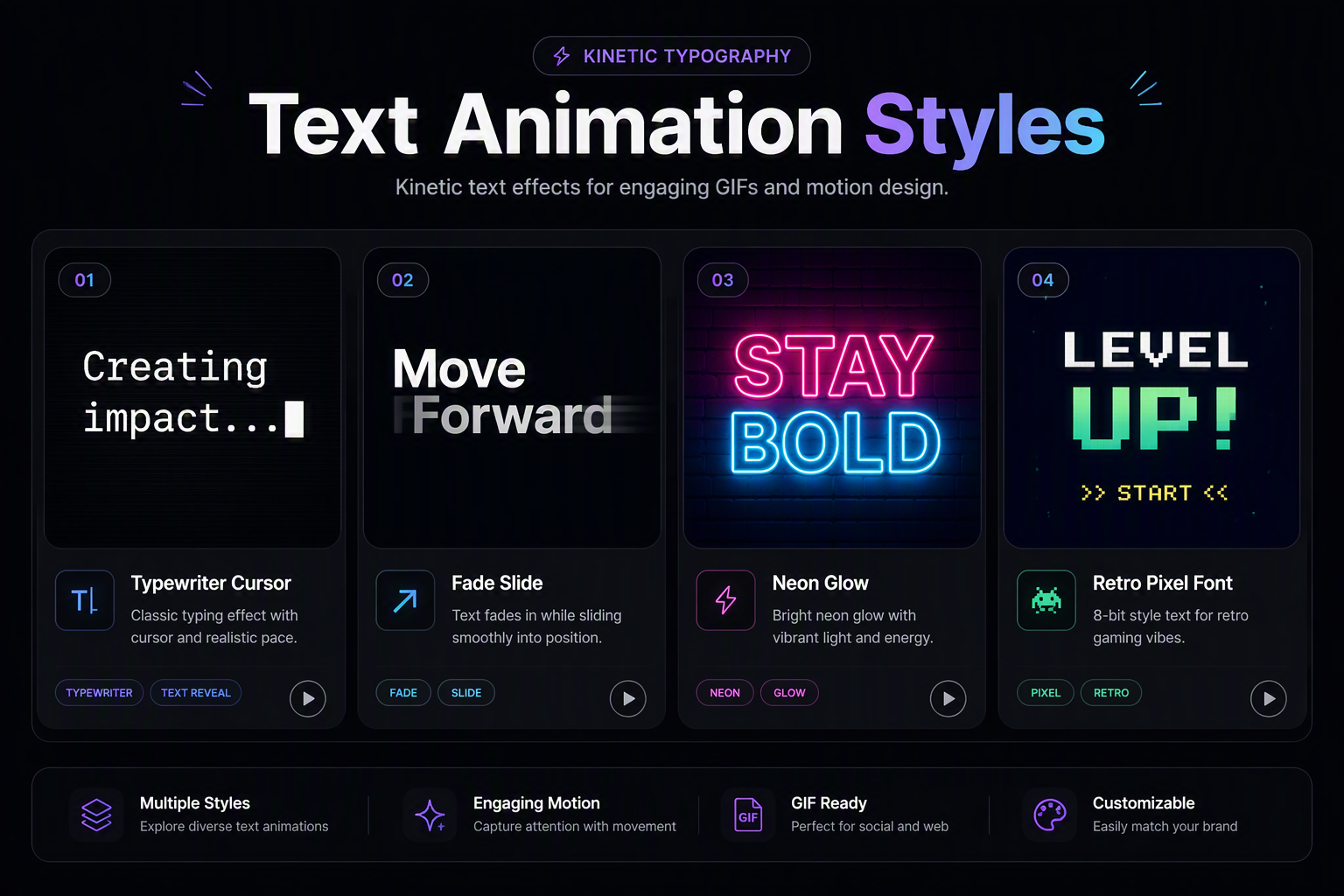
Rendering animated typography into clean GIFs requires subpixel glyph rendering and crisp color boundaries to avoid fuzzy text edges. Our in-browser typing text gif maker draws each keystroke onto a dedicated canvas with customizable font families, line heights, and blinking cursor delays. Because the entire animation generates locally on your device without server latency, you can preview typewriter effects, kinetic captions, and retro terminal loops in real time before downloading your watermark-free file.
Typing Animation Generator
Subpixel Glyph Rasterization & Typing Speed Calibration
Text animations frequently suffer from muddy edges and color bleeding when clamped into the 256-color GIF specification. Our engine renders vector font curves directly onto high-density canvas buffers with subpixel anti-aliasing, pairing each character stroke with synchronized cursor blink intervals for razor-sharp legibility on retina screens.
| Preset Style | Typing Delay (ms) | Cursor Blink | Target Size | Ideal Application |
|---|---|---|---|---|
| Terminal / CLI Prompt | 45ms – 60ms | 500ms Block Pulse | < 50 KB | GitHub READMEs, Developer Tool Docs |
| Deliberate Typewriter | 90ms – 140ms | 600ms Thin Line | < 85 KB | Storytelling, Editorial Headers, Quotes |
| Kinetic Header Banner | 30ms – 50ms | Continuous Glow | < 110 KB | Landing Page Heros, Marketing Slides |
| Chat / Status Bubble | 70ms – 100ms | 400ms Dot Pulse | < 65 KB | Discord Statuses, Slack Channel Alerts |
Anti-Aliased Glyph Hinting
Vector glyph outlines are sampled directly at your target resolution with high-contrast edge boundaries, preventing color fringing when switching between light and dark backgrounds.
Transparent Background Indexing
Export text animations with 100% transparent backgrounds so words overlay seamlessly onto videos, presentation slides, or custom colored site layouts without ugly bounding boxes.