Resize GIF Online — Free Animated Image Scaler
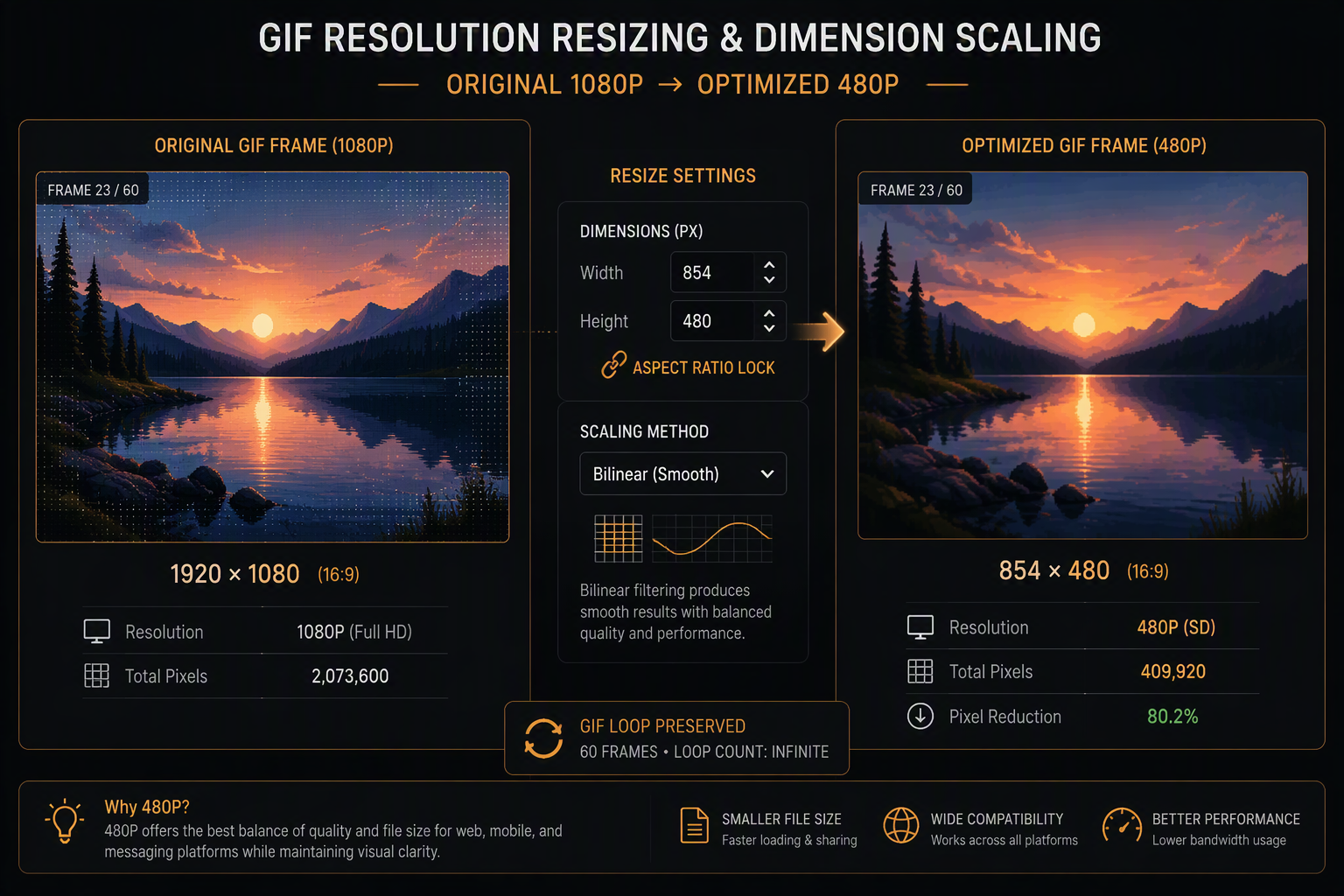
Resizing an animated GIF demands careful pixel resampling to avoid jagged edges and moiré patterns on high-frequency details. Our client-side scaling tool leverages high-performance bilinear interpolation across every frame in memory. Scale animations down to create crisp Discord emojis and profile avatars, or adjust dimensions to match strict blog and newsletter column widths without uploading sensitive footage to third-party cloud infrastructure.
Drag & drop MP4, WebM, MOV, or photos here. 100% processed in your browser.
Bilinear Interpolation & Even-Pixel Clamping Architecture
Downscaling animated images using naive nearest-neighbor sampling often discards vital contrast lines, creating harsh moiré banding and broken text. Our in-browser scaling engine utilizes smooth canvas bilinear interpolation across every frame in local memory. This softens high-frequency gradients naturally while maintaining crisp silhouettes.
| Sampling Method | Gradient Smoothness | Edge Sharpness | Compute Latency | Recommended Usage |
|---|---|---|---|---|
| Bilinear (igifmaker Default) | Smooth anti-aliased transitions | Preserved contrast lines | < 150ms in Web Worker | Real-life video footage, UI animations |
| Nearest Neighbor | Harsh stair-stepping, no gradients | Ultra-sharp hard pixel borders | < 40ms | Retro 8-bit / 16-bit pixel art graphics |
| Bicubic Resampling | Maximum smoothness | Slight halo artifacts around text | > 450ms (CPU Intensive) | High-resolution print previews |
Even-Pixel Boundary Alignment
Odd pixel dimensions (e.g. 355×199) frequently cause stutter or black border artifacts on mobile GPU decoders. igifmaker snaps scaled outputs to even integer multiples to ensure universal playback stability.
Proportional Aspect Clamping
Locking aspect ratio during resize operations guarantees zero coordinate distortion, while reducing total pixel area by up to 75% when scaling from 1080p to 480p web standards.