
Free In-Browser GIF Editor Suite
Refining an existing animated GIF often requires multiple coordinated adjustments: cropping framing boundaries, resizing canvas dimensions, fine-tuning playback pacing, reversing frame sequences, or compressing color tables for chat apps. Our client-side GIF editor suite brings these essential tools together into a unified, browser-based studio. Every frame is decoded and manipulated directly inside your computer's local memory using WebAssembly and Web Workers, so your personal media and confidential clips never upload to an external cloud server.
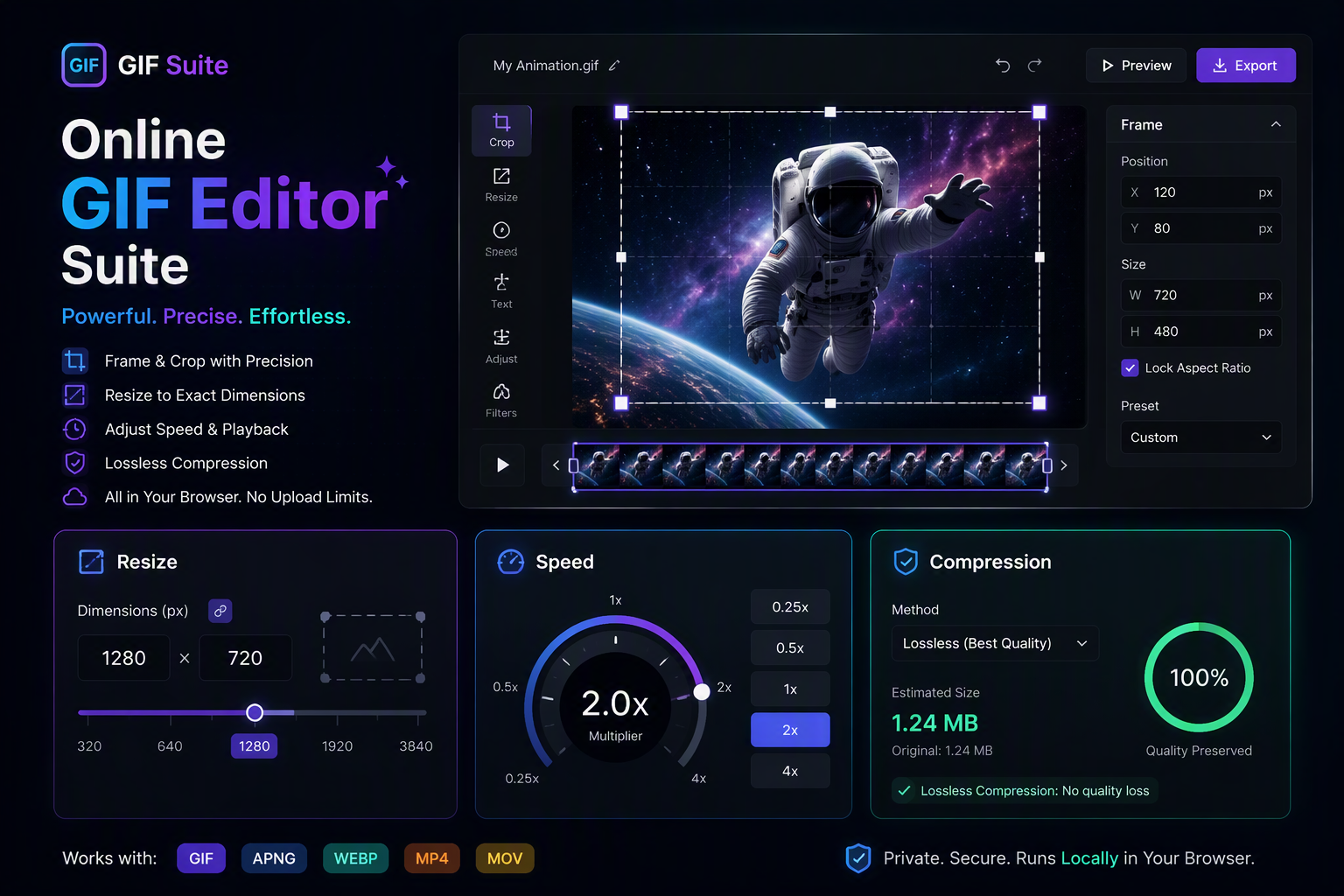
Crop GIF
Trim unwanted margins, focus on action areas, or fit square 1:1, 16:9, and 9:16 mobile aspect ratios.
Resize GIF
Scale pixel dimensions up or down using smooth bilinear resampling without distortion or blur.
Change GIF Speed
Accelerate long screencasts up to 4x or create dramatic slow-motion effects down to 0.5x speed.
Reverse GIF
Play animation loops backward or create smooth bidirectional ping-pong bounce loops in one click.
Compress GIF
Reduce bloated files by up to 70% with NeuQuant palette reduction and lossy LZW codebook compression.
Load an Animated GIF to Start Editing
Drag & drop MP4, WebM, MOV, or photos here. 100% processed in your browser.
How Our WebAssembly Pipeline Manipulates GIF Binary Streams
Unlike static raster graphics, the GIF89a format packs variable-length LZW code words, global and local color palettes, graphic control extensions, and disposal modes for every individual sub-frame. Standard web services upload your GIF to remote servers to run ImageMagick or FFmpeg binaries. igifmaker runs equivalent binary parsing entirely inside browser WebAssembly contexts and dedicated Web Workers.
| Editing Operation | Classification | Byte Modification | Degradation Risk |
|---|---|---|---|
| Change Speed (/speed) | Metadata Mutation | Updates 2-byte GCE delay marker | 0% (Completely Lossless) |
| Reverse Loops (/reverse) | Index Inversion | Reverses frame pointer array | 0% (Completely Lossless) |
| Crop Bounds (/crop) | Spatial Resampling | Clamps sub-canvas coordinate grid | Zero color loss, smaller file |
| Resize Dimensions (/resize) | Bilinear Resampling | Re-interpolates RGB pixel matrices | Minor softening on high contrast |
| Compress & Optimize (/optimize) | Palette Quantization | Reduces color depth to 64/32 shades | Lossy (Up to 70% byte savings) |